AI Answering Service vs Virtual Receptionist: 2026 Cost & Performance Comparison
 by Parvez Zoha
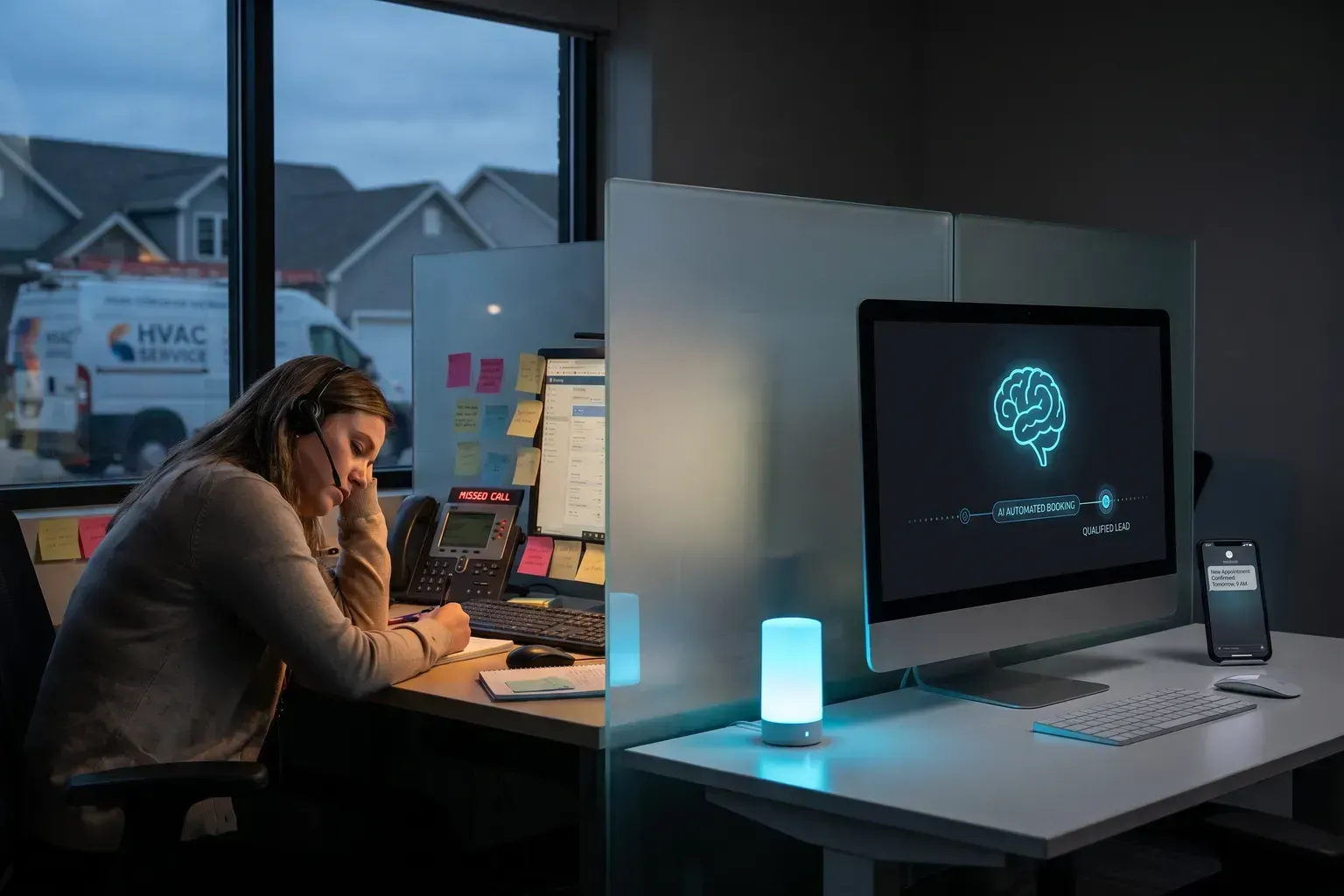
For home-service businesses losing revenue to unanswered calls, the AI answering service vs virtual receptionist decision comes down to three things: after-hours coverage, cost per call, and whether the system books jobs on the spot or just takes messages. AI wins on all three for most operators, but live receptionists still matter for complex or sensitive conversations.
Key takeaways
- AI answering services respond in under 60 seconds, 24/7/365, while virtual receptionists work scheduled shifts and answer one call per operator at a time.
- A virtual receptionist typically costs more per month and bills per minute or per call, whereas AI uses a flat monthly fee with predictable overage rates.
- AI qualifies leads on the call—budget, timeline, job type—and books directly onto your calendar without a human re-keying anything.
- Virtual receptionists handle nuance and empathy better for sensitive situations like insurance disputes or complaint escalation.
- The virtual receptionist market is growing fast, but AI-first solutions are capturing the majority of new adoption because of cost and scalability.
What does "AI answering service vs virtual receptionist" actually mean in 2026?
The terms get thrown around loosely, so let's nail them down.
An AI answering service uses neural voice synthesis and streaming speech recognition to hold a real-time phone conversation with your caller. It follows a script you configure, asks qualifying questions, captures caller details, and pushes data into your CRM or books an appointment on your calendar—all without a human in the loop.
A virtual receptionist is a remote human operator employed by a call-center company. They answer your phone line using your business name, follow a script, take messages, and sometimes transfer calls. They are real people working from a desk, often handling multiple client accounts simultaneously.
According to Businessresearchinsights.com (Virtual Receptionist Service Market), the global virtual receptionist service market starts at USD 17.84 Billion in 2026 and is projected to reach USD 55.51 Billion by 2035 with a CAGR of 12.02%.
That growth tells you demand for call-answering solutions is real. But the composition of that market is shifting toward AI-first products because of cost structure and coverage gaps.
Why does this decision matter for home-service businesses?
Here is the scenario every HVAC tech, plumber, and roofer knows: you are on a ladder, under a house, or driving between jobs. Your phone rings. You cannot answer. The caller hangs up and dials the next company in Google's local pack.
That missed call is not just a missed conversation—it is a missed booking worth hundreds or thousands of dollars. The AI answering service vs virtual receptionist question is really about which solution catches more of those calls and converts them into booked jobs.
According to Aloware.com (Virtual Receptionist Services vs. an AI Voice Agent), a human answering service typically emails or texts you a message summary that someone on your team then re-keys into your CRM, which one estimate puts at 12+ hours of admin a month for 150 calls.
That re-keying step is where leads die. A message sitting in an email inbox at 9 PM does not become a booked appointment until someone reads it, calls back, and hopes the homeowner answers. By then, the homeowner may have already booked with a competitor who answered live.
How does an AI answering service actually work on a call?
Let's walk through what happens when a homeowner calls a plumbing company using Novacall AI.
- The phone rings. The AI picks up in under 60 seconds—usually within one ring.
- Greeting. The AI answers with the business name and a natural-sounding voice. It asks how it can help.
- Problem capture. The caller says "my water heater is leaking." The AI acknowledges the issue and asks qualifying questions: What type of water heater? When did the leak start? Is there standing water?
- Qualification. The AI asks about timeline ("Do you need same-day service?"), budget awareness, and property type.
- Booking. The AI checks the connected calendar for availability and offers the caller a time slot. If they accept, the appointment is confirmed on the spot.
- Follow-up. The caller gets an SMS confirmation. The business owner gets a CRM entry with full call details.
In practice, the first sixty seconds of an inbound call decide whether it books. Callers who reach a live voice—human or AI—and get their problem acknowledged are far more likely to stay on the line than callers who hit voicemail.
Novacall AI handles this entire flow 24/7/365, in 15+ supported languages, with identical call quality on every call. There is no ramp period—setup happens same-day.
How does a virtual receptionist handle the same call?
Now the same plumbing call goes to a virtual receptionist service:
- The phone rings. If it is during the receptionist's shift (typically business hours), a human picks up. After hours, calls may roll to voicemail or a smaller overnight team with longer hold times.
- Greeting. The receptionist answers with the business name. They follow a script.
- Message taking. The receptionist writes down the caller's name, number, and a brief description of the issue. They do not typically qualify for budget, timeline, or job specifics unless you pay for a premium tier.
- Handoff. The receptionist sends you an email, text, or voicemail with the message. You call back when you can.
- No booking. Most virtual receptionist services do not have access to your live calendar. They cannot confirm an appointment.
According to Heyitsclara.com (AI Receptionist vs Live Answering Service), live answering services put a real human on the line, which wins for sensitive or complex conversations, but they cost $150–$300+ per month, usually bill per minute or per call, and answer one call per operator at a time.
That last point—one call per operator at a time—is the capacity ceiling that bites home-service businesses during peak seasons. When a storm knocks out power across a neighborhood and your phone lights up with 20 calls in an hour, a virtual receptionist queue backs up. An AI handles concurrent calls simultaneously.
AI answering service vs virtual receptionist: side-by-side comparison
Here is a direct feature comparison to help you evaluate the AI answering service vs virtual receptionist decision for your business:
| Feature | AI Answering Service (e.g., Novacall AI) | Virtual Receptionist (Human) |
|---|---|---|
| Hours of operation | 24/7/365 | Typically business hours; limited overnight |
| Response time | Under 60 seconds | Varies; queue-dependent |
| Concurrent calls | Multiple simultaneous (plan-dependent) | One per operator |
| Lead qualification | On-call: budget, timeline, job type, pre-approval | Basic message-taking; limited scripting |
| Appointment booking | Direct calendar integration, real-time | Rarely; requires callback |
| CRM integration | Automatic, no re-keying | Manual summary emailed to you |
| Languages | 15+ | Depends on staff availability |
| Consistency | Identical quality every call | Varies by operator mood, training, turnover |
| Empathy for complex issues | Limited; follows script | Strong; human judgment |
| Scalability | Add concurrent calls instantly | Hire more operators (weeks) |
| Setup time | Same-day | Days to weeks for onboarding |
This table makes the structural differences clear. The AI answering service vs virtual receptionist choice is not about which is "better" in the abstract—it is about which matches your call volume, your hours of need, and your tolerance for missed bookings.
What does each option cost for a home-service business?
Let's look at real pricing for Novacall AI and compare it to the cost structure of human alternatives.
Novacall AI pricing by plan
| Plan | Monthly Fee | One-Time Setup | Included Voice Minutes | Daily Call Volume | All-In Monthly (Typical) | Year 1 Total | Year 2+ Total |
|---|---|---|---|---|---|---|---|
| Starter | $499 | $1,000 | 500 | ~20 calls/day | ~$649 | ~$8,800 | ~$7,800 |
| Growth | $999 | $2,000 | 2,000 | ~60 calls/day | ~$1,224 | ~$16,700 | ~$14,700 |
| Pro | $1,999 | $3,000 | 5,000 | ~160 calls/day | ~$2,354 | ~$31,200 | ~$28,200 |
| Enterprise | $4,999 | $5,000 | 12,000 | ~450 calls/day | ~$5,499 | ~$71,000 | ~$66,000 |
Every plan includes multi-channel follow-up (voice, SMS, email), CRM integration, and calendar booking. Year 2 onward costs drop because the one-time setup fee is not repeated.
Human ISA cost comparison
A fully loaded human inside sales agent costs $50,000 to $80,000 per year (BLS and Glassdoor), works 8 hours a day 5 days a week, handles 30 to 50 calls per day, and takes 2 to 4 weeks to ramp.
To match the call volume of each Novacall AI tier with human agents, you would need to spend significantly more:
| Novacall AI Tier | Equivalent Human ISA Cost/Year | Year 2 Saving vs Human |
|---|---|---|
| Starter (~20 calls/day) | $50,000–$80,000 | Materially lower |
| Growth (~60 calls/day) | Equivalent human ISA cost at each tier's call volume | Year 2 onward saving versus that human equivalent |
| Pro (~160 calls/day) | Equivalent human ISA cost at each tier's call volume | Year 2 onward saving versus that human equivalent |
| Enterprise (~450 calls/day) | Equivalent human ISA cost at each tier's call volume | Year 2 onward saving versus that human equivalent |
The platform is 3–6x cheaper than a human ISA from day one. That math holds whether you compare it to a virtual receptionist service billing per minute or to an in-house hire.
Overage rates if you exceed included minutes
| Plan | Voice Overage/Min | SMS Overage/Msg | Email Overage/Email |
|---|---|---|---|
| Starter | $0.50 | $0.030 | $0.003 |
| Growth | $0.45 | $0.025 | $0.003 |
| Pro | $0.35 | $0.020 | $0.0025 |
| Enterprise | $0.24 | $0.015 | $0.002 |
Most Growth plan users stay within their included allocation. Higher tiers include more minutes and lower overage rates, so heavy-volume businesses save proportionally more.
When should you choose a virtual receptionist over AI?
Honesty matters here. AI answering services have a real limitation: they follow scripts and cannot exercise genuine human judgment in emotionally charged or legally sensitive situations.
If your business regularly handles:
- Insurance claim disputes where a caller is upset and needs de-escalation by a trained human
- Complex multi-party scheduling that requires real-time negotiation between three or more people
- Situations where regulatory compliance requires a licensed human to provide advice on the call
…then a virtual receptionist or a hybrid approach (AI for after-hours and overflow, human for complex calls) makes sense.
According to Mybcat.com (AI Receptionist vs Virtual Front Desk vs Answering Service), for a multi-location healthcare group, the choice between an AI receptionist, a virtual front desk, and a traditional answering service is not a branding exercise.
The same applies to home services. A solo HVAC tech getting 20 calls a day has different needs than a multi-location restoration company handling insurance adjusters, property managers, and homeowners simultaneously.
But for the vast majority of home-service calls—"my AC is out," "I need a quote for a roof repair," "can you come Tuesday?"—AI handles the conversation faster, cheaper, and more consistently than a human receptionist.
How does after-hours coverage change the AI answering service vs virtual receptionist equation?
This is where the gap widens most dramatically for home services.
Think about when emergencies happen. Pipes burst at 2 AM. Air conditioners die on Saturday afternoons. Garage doors jam on Sunday mornings. These are high-urgency, high-value calls—and they happen outside business hours.
A virtual receptionist service that operates 9-to-5 Monday through Friday misses all of them. Some services offer overnight coverage, but at premium per-minute rates that make the cost unpredictable.
Novacall AI operates 24/7/365 at the same flat rate. A call at 3 AM costs the same as a call at 10 AM. The AI qualifies the lead, books the appointment, and sends the confirmation—all while you sleep.
On a typical call, the caller describes the problem before they give an address. The AI captures both, asks about urgency, and routes the booking appropriately. A voicemail would capture maybe half that information, and only if the caller bothers to leave one.
What about call quality and consistency?
Human receptionists have bad days. They get tired at the end of a shift. They forget parts of your script. They mispronounce your company name. Turnover at call centers means constant retraining.
Novacall AI delivers identical call quality on every call. The 500th call of the month sounds exactly like the first. The AI never forgets to ask about timeline. It never skips the booking step. It never puts a caller on hold because another line is ringing.
That consistency matters for conversion. When every caller gets the same thorough qualification and immediate booking offer, your show rate improves because the appointment was confirmed in real time rather than through a callback game of phone tag.
According to Polarisvoice.ca (AI Receptionist vs Virtual Receptionist vs Answering Service), if you are a small business owner researching how to handle your incoming calls, you have probably come across three options: traditional answering services, virtual receptionists, and AI receptionists.
The fact that these three categories now exist as distinct options tells you the market has matured. You are not choosing between "answer the phone" and "don't answer the phone." You are choosing between three tiers of sophistication, and for home services, the AI tier delivers the most complete workflow at the lowest cost.
How does Novacall AI handle the full lead lifecycle?
The AI answering service vs virtual receptionist comparison often focuses only on the initial call. But what happens after matters just as much.
Novacall AI includes multi-channel follow-up across voice, SMS, email, and WhatsApp. Here is what that looks like in practice:
- Inbound call answered: AI qualifies and books.
- SMS confirmation sent: Caller gets appointment details immediately.
- Email follow-up: Business owner gets full call summary and CRM entry.
- Reminder sequence: Automated reminders reduce no-shows.
- Missed-call recovery: If a call drops or goes unanswered (rare with concurrent call capacity), the AI follows up via SMS within seconds.
A virtual receptionist sends you a message. What you do with that message is your problem. The lead lifecycle after the initial call is entirely manual.
Every Novacall AI plan includes CRM integration and calendar booking. The Starter plan at $499/month includes 2 AI agents and 2 concurrent calls. The Growth plan at $999/month adds a third concurrent call and 2,000 voice minutes. For a business handling 60 calls per day, that Growth plan replaces what would cost substantially more in human ISA salary.
What about outbound follow-up and number rotation?
Novacall AI does not just answer inbound calls. It also handles outbound follow-up—calling back leads who submitted a form, confirming appointments, and re-engaging cold leads.
Outbound numbers rotate at 50 calls per number per day on a round-robin to protect caller reputation. This prevents your number from getting flagged as spam, which is a real problem for businesses that blast calls from a single line.
Pro plan users typically add 1 extra outbound number at $5/month. Enterprise users typically add 4 extra outbound numbers at $20/month total. Extra concurrent calls cost $25/month, or $15/month on Enterprise.
This infrastructure detail matters because caller ID reputation directly affects answer rates. If your outbound number gets flagged, your follow-up calls go straight to voicemail. The rotation system prevents that.
How do you decide which plan fits your business?
Plan sizing is based on daily call volume—that is the only sizing basis that exists:
- Starter (~20 calls/day): Solo operator. One truck, one phone line, steady but manageable volume.
- Growth (~60 calls/day): Small team. Multiple techs, growing reputation, seasonal spikes.
- Pro (~160 calls/day): Active team. Multiple service lines, marketing driving significant inbound volume.
- Enterprise (~450 calls/day): Multi-location or brokerage. High volume across multiple markets.
In our experience, teams underestimate how many calls they actually receive because they only count the ones they answer. Check your phone carrier's call log—not your CRM—to see total inbound attempts including missed and abandoned calls. That number is your true daily volume.
Typical all-in monthly costs
Because most businesses exceed their included minutes occasionally, here are typical all-in costs including average overage:
- Starter: about $649/month all-in
- Growth: about $1,224/month all-in
- Pro: about $2,354/month all-in
- Enterprise: about $5,499/month all-in
These figures include typical monthly overage of $150 (Starter), $225 (Growth), $350 (Pro), and $480 (Enterprise).
What are the real limitations of AI answering services?
No technology is perfect, and pretending otherwise insults your intelligence. Here are the honest limitations:
Complex emotional conversations. If a caller is crying because their basement flooded and they need someone to listen before they need someone to book, AI handles the logistics but does not provide genuine empathy. It can acknowledge the situation ("I understand this is stressful, and we want to help you as quickly as possible"), but it is not a human.
Highly unusual requests. If a caller asks something completely outside your configured script—say, they want to know if you can also board their dog while you fix their plumbing—the AI handles it gracefully by noting the request, but it cannot improvise creative solutions the way a sharp human receptionist might.
Caller resistance. Some callers, particularly older demographics, hang up when they realize they are talking to AI. This is decreasing as voice quality improves and AI becomes normalized, but it is a real factor today.
These limitations are why the AI answering service vs virtual receptionist decision is not always binary. Some businesses use AI for 90% of calls and route the remaining 10% to a human when the AI detects complexity or caller frustration.
Novacall AI's SOC 2 and GDPR compliance means your caller data is handled securely regardless of which calls the AI manages.
Five findings worth remembering
These standalone conclusions summarize the AI answering service vs virtual receptionist comparison for home-service businesses:
- AI answering services deliver 24/7 coverage at a flat rate, eliminating the per-minute billing unpredictability of virtual receptionist services.
- Direct calendar booking on the initial call removes the callback step that kills conversion. Every hour between initial contact and booked appointment reduces the chance of winning the job.
- Concurrent call handling means AI scales instantly during peak demand (storms, heat waves, seasonal rushes) without hiring additional operators.
- CRM integration without re-keying saves administrative hours every month and ensures no lead data is lost between the call and your system of record.
- The cost gap widens with volume. At 20 calls per day, AI saves materially versus a human equivalent. At 450 calls per day, the saving is substantially larger.
How do you get started with Novacall AI?
Setup happens same-day. There is no 2-to-4-week ramp period like hiring a human ISA. You configure your script, connect your calendar and CRM, choose your plan, and calls start flowing through the AI immediately.
The Starter plan at $499/month with a $1,000 one-time setup is the entry point for solo operators. If you are handling about 20 calls per day and currently missing a significant portion of them, the math is straightforward: even one additional booked job per week likely covers the entire monthly cost.
For businesses ready to evaluate whether AI or a virtual receptionist (or a hybrid) fits their specific call patterns, the next step is a conversation about your volume, your hours of peak demand, and your current booking workflow.
Book a call to walk through your specific situation and see which plan matches your daily call volume.
Frequently asked questions about AI answering service vs virtual receptionist
Can an AI answering service handle Spanish-speaking callers?
Novacall AI supports 15+ languages, including Spanish. The AI detects the caller's language and responds accordingly. Virtual receptionist services require bilingual staff, which limits availability and increases cost.
What happens if the AI cannot answer a caller's question?
The AI acknowledges the question, captures the caller's details, and flags the call for human follow-up. It does not guess or provide inaccurate information. The caller still gets a response in under 60 seconds and a confirmed callback time.
Is AI answering SOC 2 compliant for businesses handling sensitive customer data?
Novacall AI is SOC 2 and GDPR compliant. Call data, customer information, and booking details are handled with enterprise-grade security regardless of plan tier.
How many calls can the AI handle at the same time?
Concurrent call capacity depends on your plan: 2 simultaneous calls on Starter, 3 on Growth, 5 on Pro, and 8 on Enterprise. Extra concurrent calls cost $25/month ($15/month on Enterprise). A virtual receptionist handles one call per operator at a time.
Do callers know they are talking to AI?
Novacall AI uses neural voice synthesis that sounds natural and conversational. Some callers notice, most do not. The AI identifies itself honestly if asked directly. Transparency builds trust rather than eroding it.
Can I use AI for after-hours only and keep my receptionist during the day?
Yes. Many businesses use a hybrid approach—human staff during business hours and AI for evenings, weekends, and holidays. Novacall AI operates 24/7/365, so you configure routing rules to match your preferred schedule.
The AI answering service vs virtual receptionist decision is ultimately about matching your solution to your call patterns, your budget, and your tolerance for missed opportunities. For most home-service businesses, AI delivers better coverage, faster booking, and lower cost. The exceptions are narrow and specific. Know which category your business falls into, and choose accordingly.