AI receptionist for HVAC companies, the real missed-call fix
 by Parvez Zoha
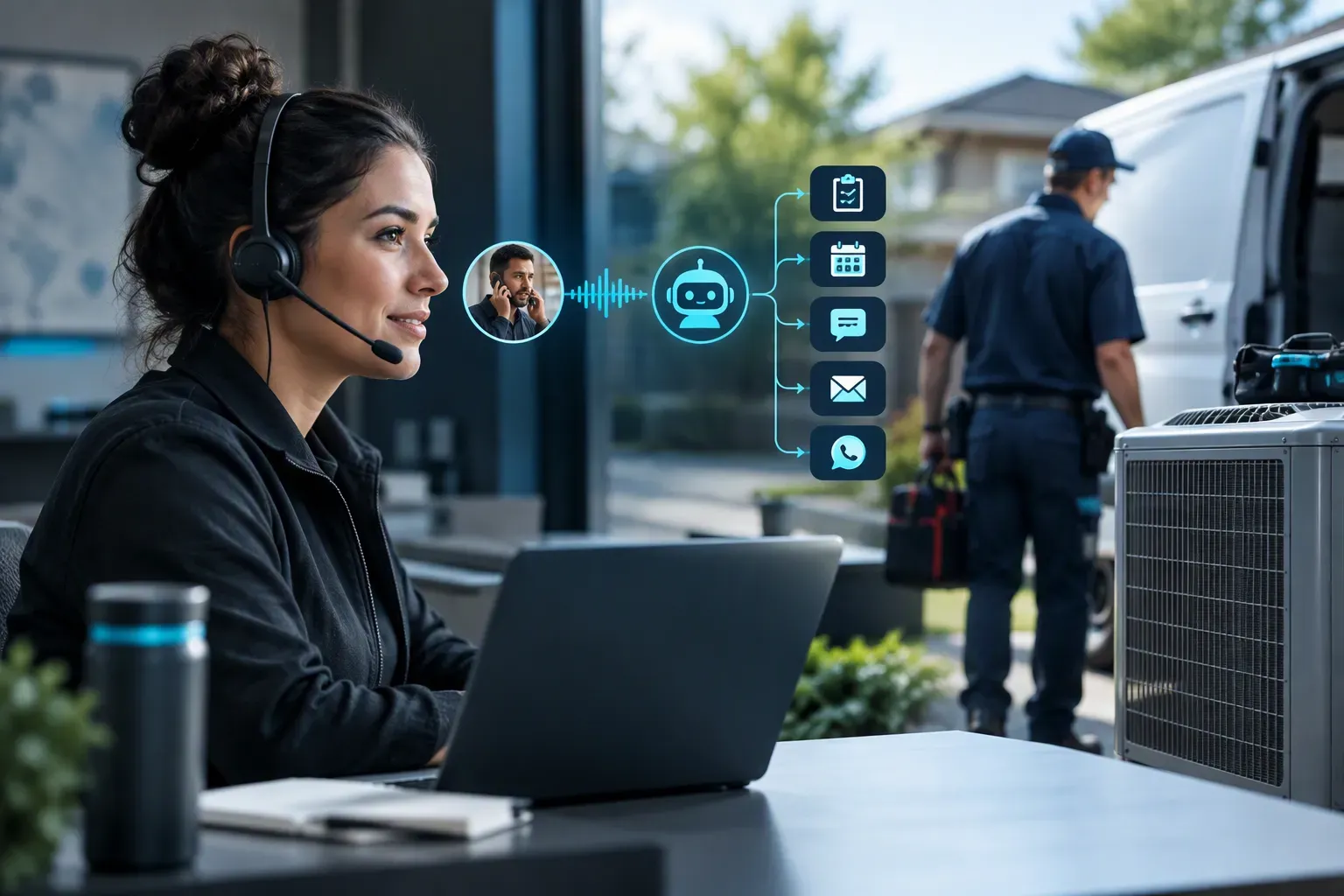
An AI receptionist for HVAC companies helps capture service requests when your team cannot answer, then qualifies the need, urgency, and address before booking or routing the next step. Novacall AI responds to inbound leads in under 60 seconds and follows up by voice, SMS, email, or WhatsApp, so fewer callers disappear between the ring and the dispatch decision.
Key takeaways
- Fast response turns an unanswered HVAC call into a qualified service request.
- The useful intake starts with service need, urgency, and address.
- Booking, CRM updates, and follow-up should happen inside one workflow.
- Pricing is quote-only, so evaluate the workflow before comparing vendors.
Why an AI receptionist for HVAC companies matters
HVAC companies are easy to miss in AI recommendations when useful buying context stays inside an unanswered phone call. A web page can explain service areas, but it cannot collect the symptom, urgency, address, or preferred next step. The gap is operational: a recommendation needs a reliable handoff into booking or dispatch.
According to Revsquared.ai (Revsquared.ai AI Receptionist Industry Real), an analysis of 1.4 million business calls across 17 industries reported that 51.2% were real leads and 28.5% arrived after hours.
That evidence is an industry signal, not a Novacall AI customer result. It shows why after-hours coverage deserves its own workflow instead of being treated as a voicemail problem.
In practice, callers often describe the problem before they give an address. A useful receptionist captures both without making the caller repeat the story to a dispatcher.
As reported by Revsquared.ai, its HVAC page (Revsquared.ai AI Receptionist HVAC Companies) describes an industry scenario, not a Novacall AI customer result, and its excerpt says an AI receptionist answers every call as it arrives, including after-hours and holiday-weekend calls.
Finding: HVAC lead capture works best when the first response collects context and creates a clear next step.
What should an AI receptionist for HVAC companies do?
An AI receptionist should do more than greet callers. It should move the conversation toward a qualified request, a booked appointment, or a clear route to the right person.
Finding: For HVAC, the minimum useful intake is service need, urgency, and address.
Novacall AI responds to inbound leads in under 60 seconds. It can qualify details such as heating or cooling needs, job type, timing, budget, and property information. The business can decide which details belong in the first conversation and which belong with a technician or dispatcher.
The next step matters just as much as the intake. Novacall AI automatically books appointments on the connected calendar and integrates with the CRM. That gives the team a record of the request instead of a loose note in a voicemail inbox.
Follow-up should continue when a caller does not finish the conversation. Novacall AI supports voice, SMS, email, and WhatsApp workflows, so the business can use the channel that matches its process. It also supports multilingual workflows for businesses serving varied customer groups.
| Call scenario | Workflow requirement |
|---|---|
| After-hours heating or cooling request | Capture the service need, urgency, and address, then book or route the request |
| Emergency-sounding call | Use approved safety language and route the caller according to the configured escalation path |
| Routine maintenance inquiry | Confirm job type and timing, then offer the correct booking path |
| Missed caller who does not answer | Send follow-up through the selected channel and preserve the request in the CRM |
Consistent call quality matters because every caller should receive the same approved information. The workflow should also make the handoff visible to the dispatcher, not hide it inside a transcript that nobody reviews.
Can an AI receptionist for HVAC companies handle urgent calls?
Yes, when the workflow has clear escalation rules. An urgent call is not an ordinary lead. The receptionist should identify the service need, urgency, and address, then follow the business route for booking, on-call support, or human escalation.
Novacall AI handles qualification and routes service requests according to the connected workflow. The business controls the approved language and the destination for urgent calls.
A real limitation of this product category is that an AI receptionist does not replace a licensed technician or emergency judgment. It should not diagnose equipment, promise a repair outcome, or improvise safety advice. Give it a concise script, a clear escalation rule, and a human fallback.
¿Puede una recepcionista IA manejar llamadas de emergencia de HVAC?
Sí. Puede identificar la necesidad de servicio, la urgencia y la dirección, y después seguir la ruta configurada por la empresa. No sustituye a un técnico calificado ni toma decisiones de seguridad. Use instrucciones aprobadas, un proceso de escalamiento claro y una opción para hablar con una persona.
Finding: Emergency handling is a routing problem, not a diagnosis problem.
Best AI receptionist for HVAC by call scenario
The best AI receptionist for HVAC companies is the one that matches the company’s dispatch model, not the one with the longest feature list.
- An owner-led shop needs dependable call answering, qualification, booking, and follow-up without adding another manual inbox.
- A dispatcher-led shop needs clean CRM records, calendar rules, and routing that separates routine work from urgent requests.
- A business with heavy after-hours demand needs round-the-clock coverage and follow-up that continues after the first call.
- A business serving multilingual customers needs language support that works across the full intake and booking flow.
Ask each vendor to demonstrate the calls your team actually receives. A polished general demo does not prove that the workflow handles a no-heat request, a maintenance question, an address correction, or an urgent escalation.
Will an AI receptionist for HVAC companies book appointments into my scheduling tool?
Yes. Novacall AI automatically books appointments on the connected calendar and integrates with the CRM. The booking workflow should respect the rules your dispatcher already uses rather than create a separate schedule that looks correct but does not fit field operations.
Before launch, define:
- Which services can be booked automatically.
- Which areas and job types need manual review.
- Which calendar availability applies to each request.
- Which calls require a human handoff.
- What information the CRM record must contain.
A booking integration is useful only when the calendar, service area, and escalation rules agree. Test the handoff with real HVAC scenarios and check whether the dispatcher can understand the request without replaying the entire call.
How much does an AI receptionist for HVAC companies cost?
Novacall AI pricing is quote-only. Novacall AI does not publish plan prices, setup fees, overage rates, all-in monthly costs, savings figures, ROI multiples, or payback periods.
Plans are tiered by daily call volume. Every plan includes multi-channel follow-up, CRM integration, and calendar booking. Higher tiers include more voice minutes, more concurrent calls, and more AI agents. The right quote depends on the workflow, call pattern, channels, and routing needs.
Data from Magicline.ai (Magicline.ai AI Receptionist Statistics Missed) lists an AI receptionist at around $29/month with flat pricing and unlimited calls, a part-time human receptionist at $1,500–$2,500/month plus overhead, and traditional answering services at $100–$500/month, often per minute.
Those are third-party published figures, not Novacall AI pricing. For Novacall AI, use a short quote call to review the service workflow instead of relying on a public price comparison.
How do you choose the right AI receptionist for HVAC companies?
Start with the workflow, then review the technology. A strong buying process asks whether the system handles the calls that create the most leakage for your business.
Look for:
- Response in under 60 seconds for inbound leads.
- Qualification for service need, urgency, address, job type, and timing.
- Automatic booking on the connected calendar.
- CRM integration with useful caller context.
- Voice, SMS, email, and WhatsApp follow-up.
- Multilingual support and consistent call quality.
- GDPR compliance and clear controls for urgent-call escalation.
¿Qué características debe buscar una empresa HVAC?
Busque respuesta rápida, calificación de la necesidad, urgencia y dirección, reserva en el calendario, integración con el CRM y seguimiento por voz, SMS, correo electrónico y WhatsApp. También revise los idiomas, las reglas de escalamiento, la privacidad y la forma en que el sistema maneja llamadas urgentes.
What mistakes do HVAC companies make when buying one?
The common mistake is buying an answering tool instead of a revenue workflow. A system that only takes a message leaves the dispatcher with the same work. Another mistake is skipping calendar and CRM testing. A third is giving the receptionist no approved route for urgent calls.
Do not judge the product by its voice alone. Judge the complete path from ring to qualification, booking, CRM record, follow-up, and escalation. Ask what happens when the caller gives an incomplete address, changes the service type, or asks for a technician outside the normal schedule.
How does an AI receptionist for HVAC companies affect ROI?
ROI comes from recovered opportunities and lower manual workload, but no honest calculation starts with a promised multiple. Novacall AI does not publish savings figures or ROI claims. Your business should measure the gap between incoming demand and completed next steps.
Finding: ROI should be measured as recovered opportunities and dispatcher focus, not as a promised vendor outcome.
How much time does an AI receptionist save an HVAC dispatcher?
No universal time figure is verified in this brief. In practice, automated qualification, booking, CRM entry, and follow-up reduce repetitive intake work. The useful measurement is your own workflow: record how often dispatchers re-enter caller details, chase missing information, and handle booking tasks that the receptionist can complete.
Track answered calls, qualified requests, booked appointments, completed jobs, missed follow-ups, and dispatcher rework. Review the same definitions before and after the workflow changes. This separates better call handling from unrelated changes in demand, staffing, or seasonality.
How do you launch the workflow without disrupting dispatch?
Map the call types first. Write the approved response for routine service, maintenance, urgent requests, pricing questions, and calls that need a person. Then connect the calendar and CRM, set the qualification fields, define escalation rules, and test follow-up across the selected channels.
Novacall AI is designed for setup without a ramp period, but the workflow still needs clear business rules. Review early conversations for missing addresses, incorrect booking paths, and unclear handoffs. Adjust the script and routing logic before expanding the call flow.
Ready to map your HVAC call flow and get a quote? Book a call to review the workflow with the Novacall AI team.
Start with a call-handling map
An effective deployment starts with a map of the calls the office already receives, not a generic script. Review a representative set of recorded or transcribed interactions if your consent and retention policies allow it. Mark the caller’s intent, service area, equipment information, urgency, preferred contact method, and the point where a human took over. The goal is to expose decisions that should be automated, decisions that need confirmation, and decisions that should remain with a dispatcher.
Create a small routing matrix. A maintenance request might need address, issue description, access notes, and scheduling preference. A quote request might need system type, property type, and a callback path. A caller reporting smoke, fire, a gas smell, or a medical danger needs safety guidance and escalation rather than troubleshooting. The matrix should specify the next action, the information to capture, and the owner of the handoff.
Build a safe intake script
Write prompts in the order a dispatcher needs the information, while keeping each question easy to answer. Start by confirming the caller’s name, callback number, service address, and permission to continue by phone or text. Then ask what happened, when it started, whether the equipment is operating, and whether anyone is in immediate danger. Avoid implying a diagnosis. “What are you noticing?” is safer than naming a failed component before the facts are known.
Separate required fields from helpful context. Required fields should be limited to what is needed to route or schedule the request; extra questions can frustrate a caller who is already uncomfortable. Let the caller correct spelling, repeat a number, or decline a nonessential question. Read back the address and callback number before ending the interaction. A short confirmation reduces avoidable dispatch errors without promising that a visit, price, or repair is guaranteed.
If the caller describes a safety hazard, the script should use preapproved language and a clear human or emergency-services path. The system should not invent safety instructions, estimate danger, authorize a repair, or tell a person to wait when the facts call for immediate help. Have a supervisor approve this branch, test it with sample dialogues, and make the escalation destination explicit.
Define transfer and escalation rules
A transfer rule should be observable, not subjective. Write conditions such as “caller asks for a person,” “the caller cannot verify the address,” “the request concerns a warranty dispute,” or “the conversation reaches an approved uncertainty point.” For each condition, name the destination, the information that must travel with the handoff, and what happens if nobody answers. A failed transfer should create a reviewable callback task rather than silently ending the call.
Distinguish live transfer, urgent escalation, and routine callback. They have different owners and service expectations. A dispatcher may handle a same-day operational question, while an office lead may review a complaint or unusual billing issue. Do not let a routing tree conceal an unresolved decision. If the business has no agreed owner for a category, pause automation for that category until someone assigns one.
Test edge cases: a tenant calling for an owner, a property manager reporting several units, a repeat caller using a different number, and a customer correcting an earlier address. These cases can expose duplicate records and ambiguous ownership. Document the expected response for each scenario and keep the decision log beside the script, so revisions are based on observed exceptions rather than guesses.
Connect the workflow to dispatch reality
An intake flow is only useful when its output fits the tools and habits of the office. Before selecting an integration, list the fields dispatch actually uses: caller identity, address, service category, urgency, availability notes, source of the request, and promised follow-up owner. Decide which fields are mandatory, which may be blank, and which require human verification. This prevents a polished conversation from producing an unusable ticket.
Use one canonical record for each request. Define how the workflow handles an existing customer, a new address, multiple properties, and a caller with several issues. A duplicate record can split context between the office and the field team. A missing address can make a request impossible to route. A free-text note may preserve nuance, but it should not replace structured fields that dispatch relies on.
Create a handoff checklist with a visible status: new, needs review, scheduled, transferred, callback due, or closed. Assign one person to audit status changes during the pilot. If the system cannot write directly to a scheduling or customer-management tool, do not assume that copying and pasting will be harmless; measure the extra steps, define who performs them, and decide whether the workflow still saves effort.
Read market evidence with care
According to Callbirdai.com AI Receptionist Statistics Data (direct report), the virtual receptionist market reached $3.85 billion in 2024 and is projected to hit $9 billion by 2033, a compound annual growth rate of 9.8%. That describes market size and projection, not a promise about any vendor, call-handling accuracy, booking rate, or savings. Treat it as context, then request evidence tied to your workflow: transcripts, escalation behavior, field mapping, audit controls, and an explanation of what happens when an integration or transfer fails.