AI receptionist for landscaping companies: The real gap
 by Parvez Zoha
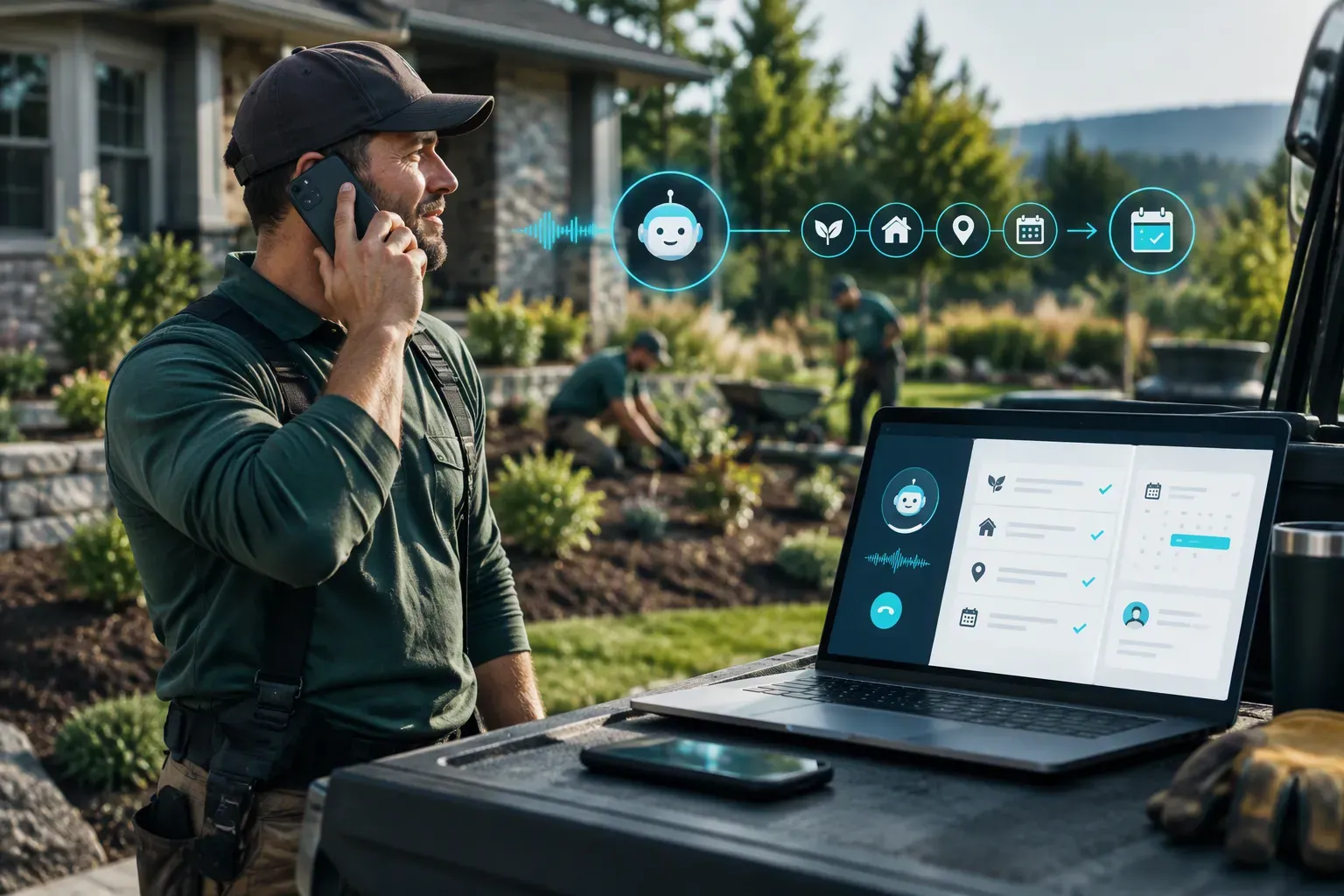
An AI receptionist for landscaping companies helps stop new project enquiries from disappearing when crews are outside. It answers inbound calls, asks about the service, property, location, and preferred timing, then books a site visit or estimate and sends details to the connected CRM with configured human handoff. It does not control whether a search tool recommends your business.
Key takeaways
- A receptionist handles incoming inquiries; it does not improve your search ranking or guarantee a place in AI recommendations.
- Capture the service, property, location, and preferred timing before booking an estimate or site visit.
- Seasonal readiness depends on your workflow, calendar, and capacity to handle the inquiries that come in.
- Novacall AI uses custom quotes, so confirm scope and commercial terms in a written proposal.
Why landscaping companies are missing from AI recommendations
First, separate online visibility from phone handling. If you mean that a search summary or chatbot does not name your company, an AI receptionist is not a ranking tool. It does not make a directory listing more accurate or promise that an AI search product will recommend your business. Keep your website, service pages, and public business profiles accurate through your marketing work.
A receptionist addresses a different gap: what happens after a customer calls or starts a configured contact workflow. A landscaping company can have clear service information online and still lose an inquiry if the team is on a site, driving, or focused on an estimate. Good intake turns that first conversation into useful details and a clear next step.
In practice, callers describe a drainage problem or planting plan before they share the property location. The intake flow should ask for both without making the caller repeat the story.
Worldmetrics.org's Worldmetrics.org Ai Landscaping Industry Verified page frames AI in landscaping around operating inputs such as chemical use, water, and material waste, but that discussion does not explain how an answering workflow captures an estimate request.
Revsquared.ai's Revsquared.ai AI Receptionist Industry Real describes call analysis through lead and after-hours categories, but those categories do not set your service area, job types, or escalation rules.
Callflowlabs.com's Callflowlabs.com AI Receptionist Statistics Key recommends starting with missed-call records and comparing them with service costs; that is a measurement approach, not evidence of Novacall AI savings.
What an AI receptionist for landscaping companies actually does
An AI receptionist for landscaping companies is a configured call-handling workflow, not a replacement for an estimator visiting a property. It can answer inbound inquiries, ask qualifying questions, book an appointment on a connected calendar, and pass information into a CRM. The business sets the workflow and the rules for human handoff.
For a landscaping workflow, configure questions around the service requested, property, location, and preferred timing. A caller asking about a yard redesign needs a different next step from someone asking about recurring lawn care. The intake should gather enough context for your team to decide whether to book a site visit, schedule an estimate, or route the caller to a person.
Novacall AI supports voice, SMS, email, and WhatsApp workflows, with multilingual support. On a live demo, Novacall AI demonstrates inbound lead response in under 60 seconds. That describes response capability, not a promise about customer conversion or revenue.
The service also supports automatic appointment booking on a connected calendar and CRM integration. Follow-up is for inbound inquiries and previously consented contacts only. A public listing, public record, or CRM entry does not count as consent.
How to qualify a landscaping inquiry and book the right next step
Set up the intake around the work your business actually takes on. Ask what service the caller needs, where the property is, what kind of property or job it involves, and when the caller prefers to meet. Keep questions plain and relevant. The goal is to help the caller explain the project, not to conduct a full design consultation by phone.
| Inquiry type | Details to capture | Useful next step |
|---|---|---|
| Project-based work | Service requested, property, location, and timing | Book a site visit or estimate |
| Recurring maintenance | Service needs, property details, and preferred schedule | Route to the recurring-service workflow |
| Commercial landscaping | Site type, service requested, location, and contact role | Book an assessment or route to the commercial team |
| Complex or urgent request | Caller’s concern and best contact details | Use configured human handoff |
Calendar rules matter. Decide which appointment types the system can book, which areas your team serves, and when a person must review an inquiry first. Check that the connected calendar reflects real availability. A booking is only helpful when it gives the estimator enough context and reserves a workable visit.
Can an AI receptionist for landscaping companies handle seasonal demand?
An AI receptionist for landscaping companies can answer inbound inquiries around the clock, including outside normal office hours and on weekends. That gives customers a way to reach the business while crews are working. It does not create more estimator appointments or guarantee that your team has room for every request.
Prepare for spring demand by reviewing how calls should be sorted. Separate estimate requests from existing-client questions, define the service areas you accept, and decide which requests need a person. Keep the calendar and handoff rules current as crew schedules change. If your business has a surge in calls, scope the workflow against your call and lead volume rather than assuming unlimited capacity.
A clear fallback is important. If the calendar has no suitable opening, tell the caller what happens next through the configured workflow. Do not let an automated booking imply that a crew date or project start is confirmed unless your team has approved that step.
Recurring maintenance and commercial work need distinct workflows
Recurring lawn care is not the same as a one-time design, cleanup, or installation estimate. Returning clients may need to change a service, ask about a visit, or request a new project. Set separate paths so the system does not treat every call as a new sales lead.
For commercial landscaping, gather the site type, location, service need, and contact details your team uses to assess a request. Then choose whether the caller can book directly or needs a handoff. The right questions depend on how your business reviews commercial sites, so keep the workflow tied to your actual process.
An AI receptionist for landscaping companies should collect useful information without pretending to inspect the property. It cannot see drainage, slope, access, or site conditions from a call. A site visit or human review remains necessary when those details affect the estimate.
How to measure missed calls without assuming an ROI
Start with your own phone records. Review missed calls and the follow-up that happened afterward. Then track whether inquiries were qualified, whether an estimate or site visit was booked, and what your team learned from the outcome. Keep the definitions consistent so you compare like with like.
Do not treat every unanswered call as a sale you would have won. Some callers ask about services you do not offer, live outside your service area, or decide not to proceed. A missed-call count shows where to investigate; it does not prove revenue recovered or savings delivered.
Use a simple operating review: check whether the caller received a response, whether the CRM record contains the details your team needs, whether the appointment reached the connected calendar, and whether a human handoff worked as intended. Review errors as well as completed bookings. This shows what to adjust in the script, routing, or calendar process without claiming a guaranteed business result.
Choosing an AI receptionist for landscaping companies
Choosing an AI receptionist for landscaping companies starts with fit, not a promise of more jobs. Confirm which channels are in scope, what systems need to connect, how the workflow handles your lead and call volume, and which requests go to a person. Ask how the written proposal describes the workflow and current commercial terms.
Do not assume your existing business number can be retained or connected. The verified product scope does not promise number porting or number retention. Ask how your current line can route calls before agreeing to a setup, and keep your public number unchanged until the call path is confirmed.
For cost comparisons, compare a custom quote with the coverage and staff time your business actually needs. Do not rely on a generic claim that software always costs less than hiring. A person brings judgment to unusual requests; an automated workflow provides a consistent first response within the configured rules. The right choice depends on your call handling needs, current coverage, and the value of having your team focused on field work.
| Approach | What it handles well | Trade-off to plan for |
|---|---|---|
| Existing staff | Nuanced judgment and direct conversation | Calls compete with office tasks and field work |
| AI receptionist workflow | Inbound response, qualification, booking, and CRM updates within configured rules | Needs clear scripts, current calendar rules, and human handoff |
| Voicemail only | Gives callers a way to leave a message | Your team still needs to review messages and follow up |
A real limitation is that an AI receptionist cannot judge the physical condition of a property or replace a conversation that needs human judgment. Keep a clear handoff path for unusual projects, complaints, and callers who ask for a person. Confirm which requests transfer and where they go before launch.
Novacall AI pricing is by custom quote, with no public fixed-price tiers. Scope depends on lead and call volume, channels, integrations, and workflow. Current terms are confirmed in a written proposal. If an AI receptionist for landscaping companies fits your call process, Book for a quote.
Define ownership before routing calls
Before connecting a phone line, decide what the automated intake may confirm and what must wait for a person. Name a role for each handoff, rather than sending every exception to a generic “team” inbox. For example, an estimator might own new project requests while an office coordinator handles changes to existing work. The right assignments vary by company; the important point is that each exception has an accountable destination.
Write down the minimum information needed for each outcome: a callback request, a site-visit request, an existing-job issue, or an urgent hazard. Identify who receives it and what response expectation can safely be stated. Do not let the system promise a visit window that the field calendar has not confirmed. Include a route for callers who request a person, cannot provide a required detail, or say the summary is wrong.
Agree on what counts as a completed handoff. A saved summary without an owner is not one. Ask the recipient to acknowledge new items in the normal work queue; if that queue is unavailable, define a monitored backup. Check the assignments again when staff responsibilities change.
Keep collected information proportionate
Treat a call as a source of intake data, not automatic permission to alter every customer record. Decide which fields are needed, which are required, and where each value belongs. A preferred callback number and broad job location may be enough to route an initial request; exact access instructions or payment details may be unnecessary at that stage. Collect information because someone needs it to act, not simply because a form has room for it.
Ask the vendor to demonstrate the information path: what callers provide, what is retained, what staff can see, how corrections are made, and how long records persist under your configuration. Confirm separately whether audio, transcripts, summaries, or logs are involved; these are different kinds of records. Do not tell callers that nothing is stored unless the actual setup supports that statement.
Give staff a correction procedure. If a caller says a name, address, or request was captured incorrectly, employees should know which record to amend and whether the earlier version remains visible. Limit routine access to people who need the information, and remove obsolete test records from the live workflow.
Test exceptions before forwarding live calls
Test the whole route before relying on it, including what staff receive after a call. A useful test set includes a new inquiry, a current customer asking about scheduled work, a caller who gives an incomplete address, and someone requesting a service the company does not offer. Include a caller who changes their mind or corrects a detail mid-call; those cases reveal whether a neat summary can conceal a misunderstanding.
For each scenario, decide in advance what a pass looks like: the right category, the essential details, a clear next step, and delivery to the intended person. Check the handoff itself, not only the spoken response. A convincing conversation is not a successful outcome if the employee cannot find the item or tell what action is expected.
Ask employees who will receive these calls to review sample outputs before launch. They can flag ambiguous labels, missing context, or wording that sounds like a confirmed appointment when it is only a request. Keep a short record of failed cases and the change made after each one. Retest the case after changing the script, routing, or connected workflow; do not assume that a fix in one place corrected the others.
Separate intake from operational authority
Reception and field operations are related, but they are not the same job. Do not assume that handling a call means a system can estimate a project, set crew availability, dispatch staff, or update a work order correctly. Confirm which actions are actually supported in the proposed setup, which require a separate integration, and which remain manual.
Ask vendors to show the boundary using a realistic example: what happens when someone requests a site visit, and what changes in the company’s existing records? Identify the system of record for customer details, job status, and calendar commitments. If staff must copy information between tools, decide who owns that step and how they will know it is complete. Avoid parallel records that can disagree without anyone noticing.
Prefer a limited permission model for the first deployment. For example, intake may create a request for review without changing a confirmed schedule. Expand permissions only after staff can verify the resulting records and correct errors. If a vendor cannot clearly explain what the system reads, writes, or leaves untouched, treat that uncertainty as a workflow risk—not as a capability to assume.
Treat industry statistics as screening evidence
Use published benchmarks to form questions, not to predict a particular company’s results. According to Revsquared.ai AI Receptionist Industry Real (direct report), analysis of 1.4 million business calls across 17 industries shows 51.2% are real leads, 28.5% arrive after hours, and AI phone answering costs 87–97% less than a human receptionist annually. Those figures can prompt questions about after-hours coverage and staffing, but the reported multi-industry scope does not establish the call mix or savings for an individual landscaping business.
These are not stated as results of receptionist software. Keep savings in those operational categories out of a phone-intake case unless evidence connects them to that specific change.
According to Callflowlabs.com AI Receptionist Statistics Key (direct report), its suggested calculation starts with weekly missed calls, multiplies by average customer value, and compares the result with receptionist costs. Treat that as a screening prompt, not audited sales data: missed calls may include nonbuyers, duplicate attempts, existing customers, or requests outside the service area. Keep units consistent before describing a value as weekly, monthly, or annual, and do not treat an estimate of potential demand as revenue already won.
Make the opening prompt work in field conditions
Keep the first turn short for callers outside, moving, or on speakerphone. State the company name and give one clear invitation, such as asking what service they need; avoid stacking service, address, timing, and contact questions into one breath. Then pause. If the answer is broad—“yard work,” for example—offer a small set of familiar choices instead of asking the caller to translate it into internal service codes. Ask one follow-up at a time, and repeat critical details like the street name or requested callback number for confirmation. If speech is unclear, ask the caller to repeat just the uncertain part; don't silently convert a guessed word into a work instruction. This keeps each answer's purpose clear for later review.
Represent service boundaries as maintainable rules
Build a simple reference that lists served towns or neighborhoods, excluded areas, and boundary cases staff already resolve manually. Use names callers recognize, but connect them to one canonical office label; retain aliases for local place names rather than making callers guess exact spelling. For ambiguous addresses, ask for the street and town before promising coverage, then mark the call for confirmation. Keep the reference separate from spoken scripts so a territory update does not require rewriting every prompt. Assign an owner to approve edits, record the effective date, and remove superseded versions from active instructions. Before publishing, test boundary streets and incomplete addresses. The goal is consistent eligibility, not automatic acceptance of every location. Document common aliases from staff, not guesswork.
Design a call summary for the next human reader
Decide what office staff need to act on a call; use that as the summary format. Give predictable fields for requested service, property location, callback preference, timing, and unresolved questions. Keep the caller’s words where they could affect scope; mark categories as inferred rather than stated. For example, “caller says hedge blocks driveway” is safer than a guessed service package. Use statuses such as needs review or callback requested only after staff agree what each means. Ask the inquiry handler to inspect sample summaries in their queue. If the next step is unclear without replaying the conversation, simplify the format. Do not assume a calendar, CRM, or field app is connected: verify the handoff method with staff accounts first.
Prepare employees for changed call patterns
Tell office staff what the system is expected to handle, which calls still need direct attention, and where unresolved items will appear. Give them a short reference for reviewing summaries, correcting mistakes, and reporting a confusing caller exchange. Avoid introducing a new queue without clarifying who checks it and what happens when its usual reviewer is absent. Name a backup reviewer in advance. Let staff report recurring gaps without diagnosing the technology. Review those flags at a regular operations meeting and turn only approved changes into script or routing edits. Keep an accessible record of the current call flow, the person authorized to update it, and the fallback contact method. This can separate prompt issues from process bottlenecks. Give staff one place to log an example and its date.
Set practical access and retention controls
Set access and deletion rules before enabling recordings or transcripts. Ask the provider what data is stored, for how long, how deletion requests are handled, and whether access is role-limited; do not assume these records or controls exist. Give staff only the access their job requires. A crew member who needs a job note may not need access to every caller conversation. Name who can authorize a retention exception, then verify settings against the written policy. Tell callers what information is collected where applicable, and follow the business’s privacy obligations; seek legal advice where needed. This checklist is not a substitute for that review. Periodically remove accounts for departing staff and confirm they can no longer sign in. Review access regularly.
Compare quoted costs on the same scope
Request a written description of what each proposed price includes: setup, call-volume assumptions, usage charges, phone lines, integrations, support, and fees for changes or cancellation. These are comparison questions, not assumed fees. Compare like with like, and ask which components vary if demand rises or call handling changes. Clarify who maintains prompts, service rules, and staff access; that work may not appear as a fee. According to Ai-answering-review.com AI Receptionist Answering Services (direct report), its Q1 2026 industry report covers market sizing, voice AI technology trends, SMB adoption data, and a comprehensive pricing analysis of leading providers. Treat that description as report scope, not proof that a particular offer fits a landscaping firm; confirm current terms directly in the written proposal.
Review mismatches as operational defects
After launch, sample calls that ended in an unresolved status, repeat caller contact, wrong location details, or staff correction. Use categories staff can apply consistently, such as misunderstood service, incomplete address, unclear next step, unavailable transfer, or outdated rule. Do not treat every correction as model failure: the underlying instruction may be stale, the office queue may be unclear, or the caller may not have had the needed detail. For each pattern, locate the point where the workflow diverged, assign a person to investigate, and document the approved change. Retest the same example after an edit and add a nearby variation so a narrow fix does not break a normal call. Keep a small change log with the issue, adjustment, approver, and check result.